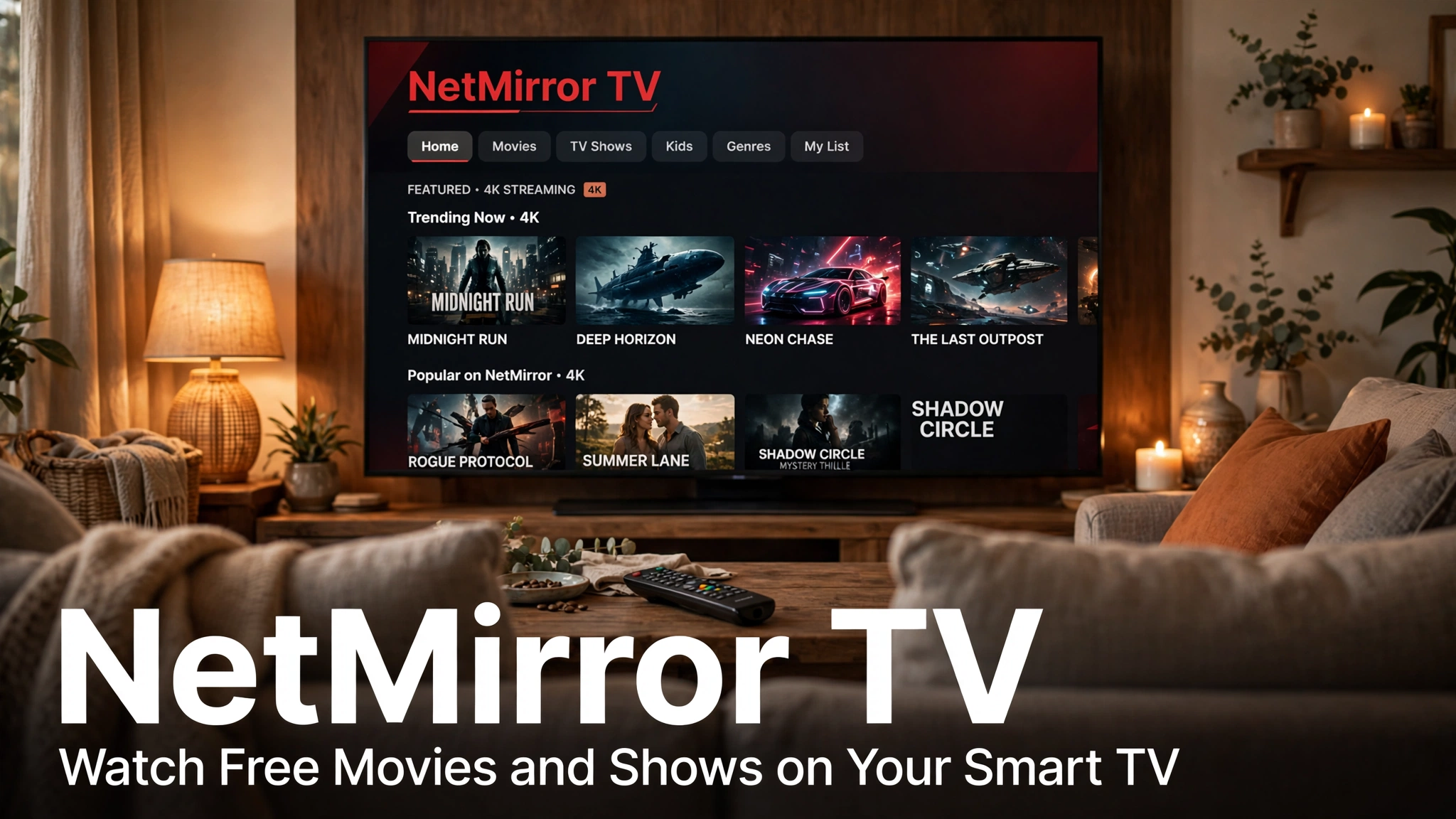
NetMirror TV brings the full free streaming library to your television. It works on Android TV, Google TV, and most smart TVs. Setup takes a few minutes, and after that your TV opens a world of movies and shows in HD and 4K.
In our home, the TV is where this app truly shines. A 4K movie on a big screen, with no subscription bill at the end of the month, is hard to beat.
Quick Facts
| Devices | Android TV, Google TV, Smart TV |
| Also works with | TV boxes and streaming sticks |
| Cost | Free |
| Quality | Up to 4K, depends on your TV |
| Control | Standard TV remote |
What Is NetMirror TV?
NetMirror TV is the big-screen way to use NetMirror. The interface is designed for distance viewing, with large posters and simple menus you can read from the sofa.
The library is the same one you get on your phone with the NetMirror APK. The TV experience simply makes it bigger and more comfortable for family viewing.
Requirements
You need a smart TV with an internet connection. Android TV and Google TV models give the smoothest experience.
A connection of at least 10 Mbps is recommended for HD. For stable 4K, 25 Mbps or faster works best in our testing.
How to Set Up NetMirror on TV
- Connect your TV to Wi-Fi and open its Settings.
- Find the Security or Apps section and allow installs from unknown sources.
- Open the TV browser, or use a file-sending app, to get the NetMirror file from TheNetMirror.
- Install the file and open the app from your TV home screen.
- Sign in is not needed. Pick a title and start watching.
If your TV does not allow direct installs, use an Android TV box instead. The steps stay the same. Computer users can compare this with NetMirror for PC, and phone users with the iOS guide.
Using Your Remote Like a Pro
The app is fully remote-friendly. Arrow keys move through the rows, and the OK button opens and plays a title.
Use the voice button on modern remotes to search by name. It is much faster than typing letter by letter on the on-screen keyboard.
Press the back button once during playback for player options like quality and subtitles. Everything important sits within two clicks.
Best Quality Settings for TV
Set the quality to Auto if your speed changes during the day. The player then adjusts before buffering starts.
Choose 4K only for titles that support it and when your connection is strong. Forced 4K on a slow line is the most common cause of stutter we see.
Turn on subtitles from the player menu. On a big screen, the large subtitle size option is the most comfortable to read.
Common TV Issues and Fixes
App not installing: Check that unknown sources are allowed, and that your TV has enough free storage. Delete one unused app and try again.
Buffering on 4K: Lower the quality to HD or connect the TV with a cable. Our NetMirror not working guide has more fixes.
Remote not responding in the app: Restart the TV fully, not just standby. This clears most remote glitches.
Safety basics for every device are covered in Is NetMirror safe.
NetMirror TV vs Watching on Mobile
The TV wins for movies, sports, and family viewing. Shared watching is simply more fun on a big screen.
Mobile wins for personal viewing and downloads. Most families we know use both: phone during the day, TV in the evening. The Prime Mirror section is also available on TV for Prime-style series nights.
Pros and Cons
Pros
- True big-screen HD and 4K experience
- Simple remote-friendly interface
- Same free library as the phone app
- Great for family and group viewing
Cons
- Setup needs unknown sources to be allowed
- 4K needs a fast, stable connection
- Very old smart TVs may need a TV box
FAQs
Yes. Watching on TV is completely free, just like on phone and PC.
It works directly on Android TV and Google TV models. Other smart TVs can use an Android TV box or streaming stick.
We recommend 25 Mbps or faster for stable 4K. HD works well from around 10 Mbps.
Yes, most Android TVs support phone remote apps. The standard TV remote also works fully with the app.
Yes, the same movies and shows are available, including the Prime Mirror collection.
Conclusion
NetMirror TV turns any modern television into a free cinema. Setup takes minutes, the remote does all the work, and the library is huge.
Set it up tonight and enjoy your first 4K movie on the big screen.
Read next: NetMirror APK · NetMirror for PC · NetMirror iOS · Prime Mirror · Back to homepage