
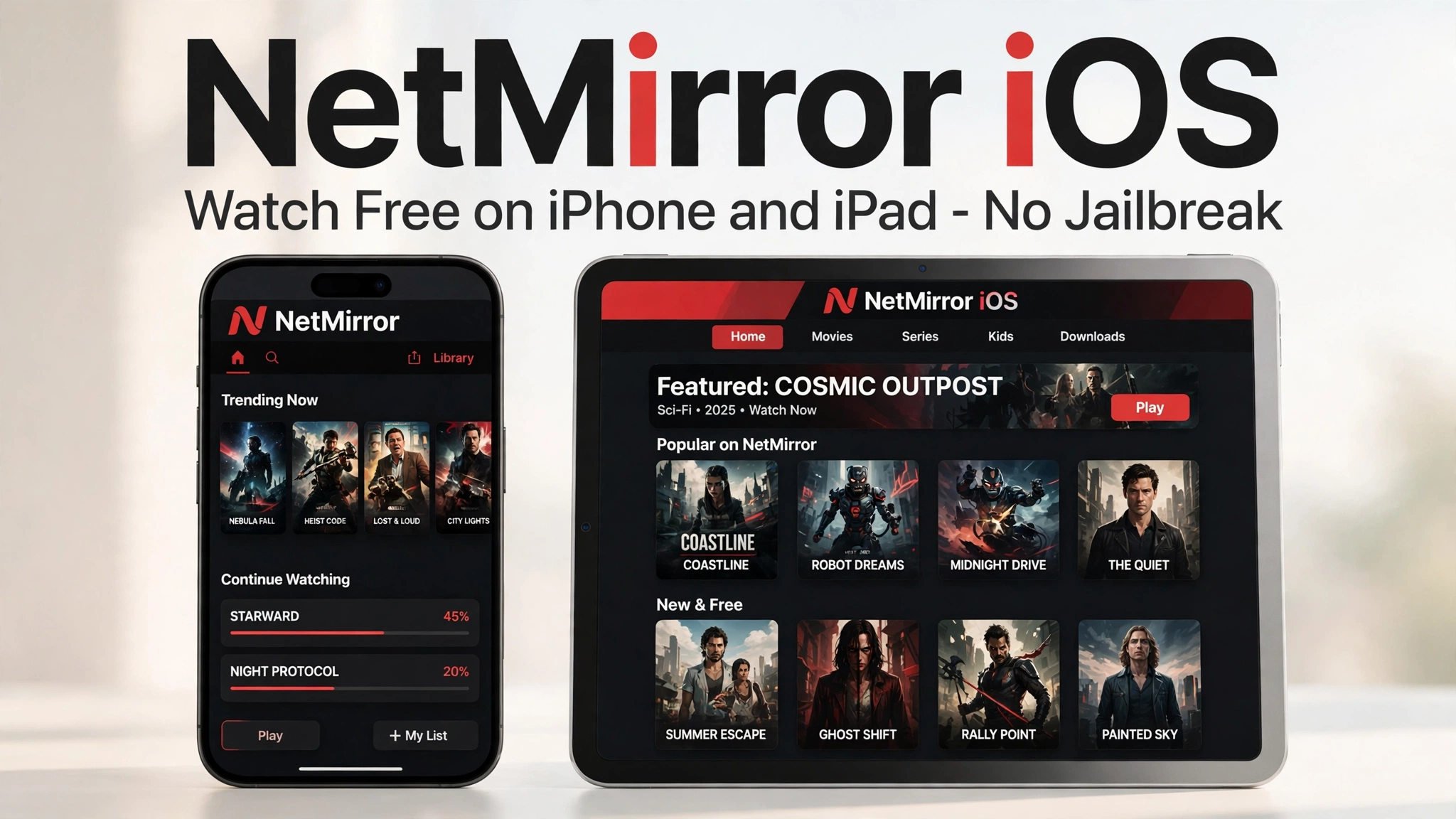
NetMirror iOS access lets iPhone and iPad users enjoy the same free movie and show library without an Android phone. There is no APK for Apple devices. Instead, you use the web version in Safari, which takes less than a minute to set up.
Many readers ask me if iOS users are left out of this app. They are not. The browser method works surprisingly well, and this guide shows you exactly how.
Quick Facts
| Devices | iPhone and iPad |
| Method | Web version in Safari browser |
| App Store install | Not required |
| Cost | Free |
| Jailbreak needed | No |
| Best experience | Add to Home Screen |
How NetMirror iOS Access Works
Apple does not allow APK files, so iOS access works differently from Android. You open the NetMirror web version in Safari and stream directly in the browser. Nothing is installed from outside the App Store.
You can also save the site to your Home Screen. The icon then opens the player almost like a normal app. In my daily use, this shortcut is the closest thing to a real iOS app.
The library is the same one Android users get with the NetMirror APK. Only the way you open it is different.
Requirements
You need an iPhone or iPad with a recent version of Safari. Any device running a current iOS or iPadOS version is fine.
A stable Wi-Fi connection is recommended for HD streaming. Mobile data also works, but long movies can use a lot of data.
How to Watch on iPhone or iPad
- Open Safari on your iPhone or iPad.
- Visit TheNetMirror and open the watch section.
- Search for the movie or show you want, or browse the categories.
- Tap play, then choose your quality and subtitle language.
- Rotate your phone to landscape for full-screen viewing.
Add NetMirror to Your Home Screen
- Open the NetMirror web version in Safari.
- Tap the Share button at the bottom of the screen.
- Choose “Add to Home Screen” from the menu.
- Name the shortcut and tap Add.
- Open NetMirror from your Home Screen any time, just like an app.
This small trick makes a big difference. I set it up once and never typed the address again.
Limitations on iOS
The browser method has a few limits compared to Android. Offline downloads inside the browser are not supported the same way as the Android app.
Picture quality can also depend on your connection more heavily in Safari. If you want downloads for travel, the Android app or NetMirror for PC is a better choice.
There is no background play in the browser player. Keep the tab open while you watch.
Is It Safe on iOS?
Yes, the web method is safe because nothing is sideloaded onto your device. You never install unknown profiles or files.
Still, always use the official address from this page. Our Is NetMirror safe guide explains what to check on any device. If playback fails, the NetMirror not working guide lists quick fixes.
Watching on Bigger Screens
iOS users with a smart TV can also try NetMirror TV for a proper big-screen setup. And for Prime Video-style titles, Prime Mirror works in the same browser way.
Pros and Cons
Pros
- Works on any iPhone or iPad without jailbreak
- Nothing to install, so it is very safe
- Home Screen shortcut feels like a real app
- Same free library as Android users
Cons
- No true offline downloads in the browser
- No background playback
- Experience depends on Safari and your connection
FAQs
Access on iOS is through the web version in Safari. The Home Screen shortcut gives you an app-like experience without an App Store install.
No. Jailbreak is never needed. The browser method works on a completely standard iPhone or iPad.
Offline downloads are an Android app feature. On iOS, you stream online in the browser.
The browser player does not support background play. Keep the screen on while watching.
Yes, completely free, just like on Android, PC, and TV.
Conclusion
NetMirror iOS access is simple, safe, and free. Open the web version in Safari, add it to your Home Screen, and your iPhone becomes a mini cinema.
Try it now with your favourite show.
Read next: NetMirror APK · NetMirror for PC · Prime Mirror · NetMirror TV · Back to homepage